Higraphs for process models
Having achieve MVP with the Higraph tool, I now need – and get – to use it. Which is quite fun.
Today, my Year 9 class were working hard on the post production of the term-long movie making project. They have all the skills, and have performed all the steps individually, but have not pulled it all together yet. So I sketched the process for them, thinking that they would see how it all holds together.
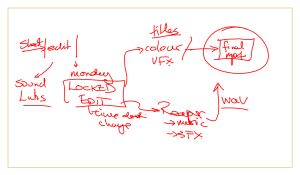
The rough hand drawn notes of the post-production process.
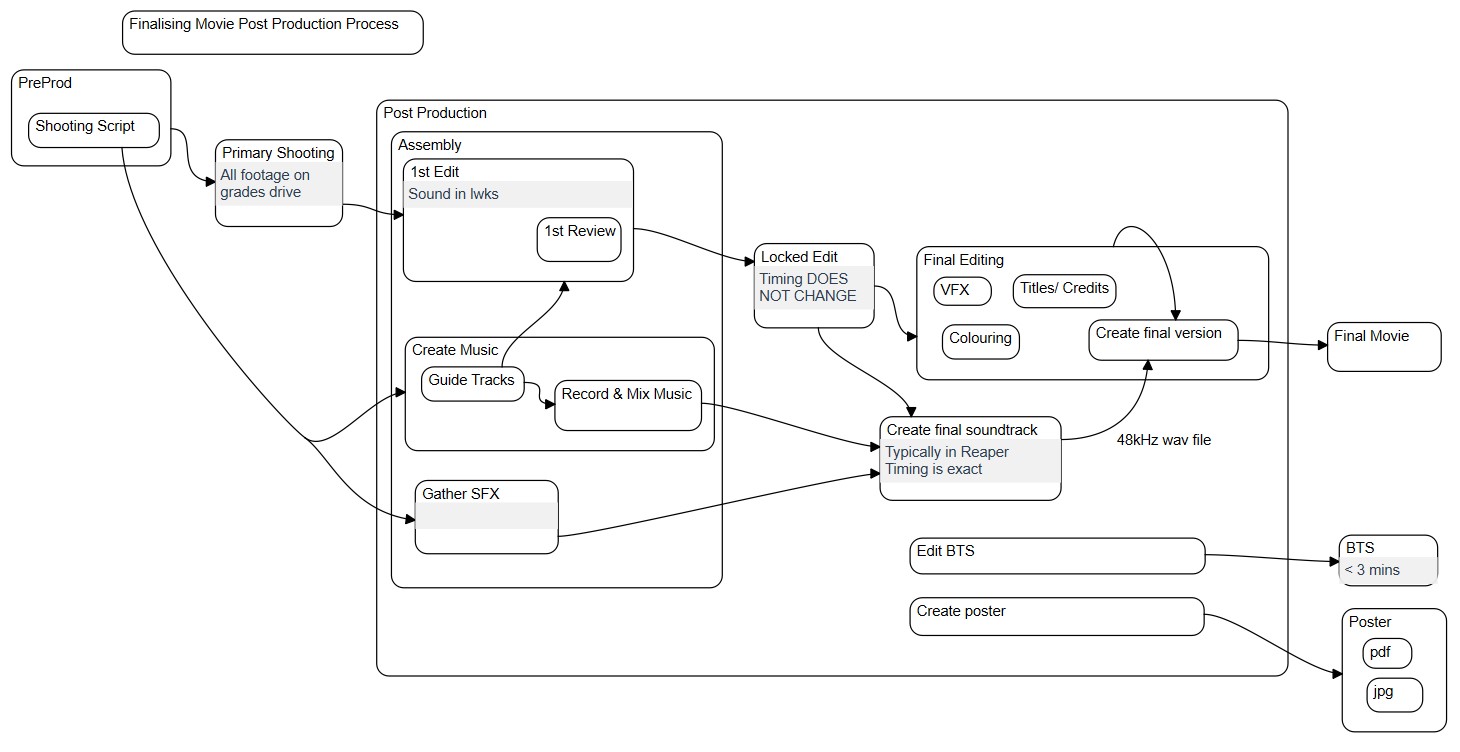
I asked if it was clear. I was very politely told that it was a bit confusing. So I thought “ah! I have just the thing”. And fired up Higraph, and sketched out the process. 30 years ago, this was the format that I modelled the processes of an entire division of a huge organisation. The result is the top image.
What I really like about modelling processes in higraphs is that when you need detail, you can add it, but when you need more detail, you can define it easily, and in context. And a subprocess that depends on all the preceding processes can be quickly shown. In a handful of minutes whilst they were busy editing and choosing sound effects (to great hilarity!), I could create something that they could understand.